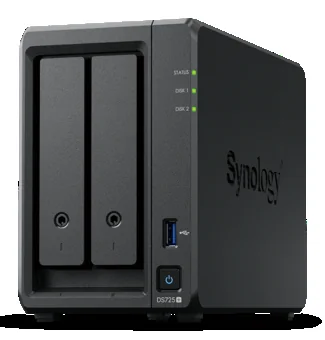
Synology DS725+
2-bay desktop NAS
- AMD Ryzen R1600 dual-core CPU
- 4 GB DDR4 ECC (up to 32 GB)
- Up to 48 TB raw (168 TB expanded)
- 2.5GbE + 1GbE, 2 x M.2 NVMe
- 3-year warranty
Fast, secure central storage for your team - with access control, snapshot protection and built-in backup. Supplied, configured and supported by Cybergate.
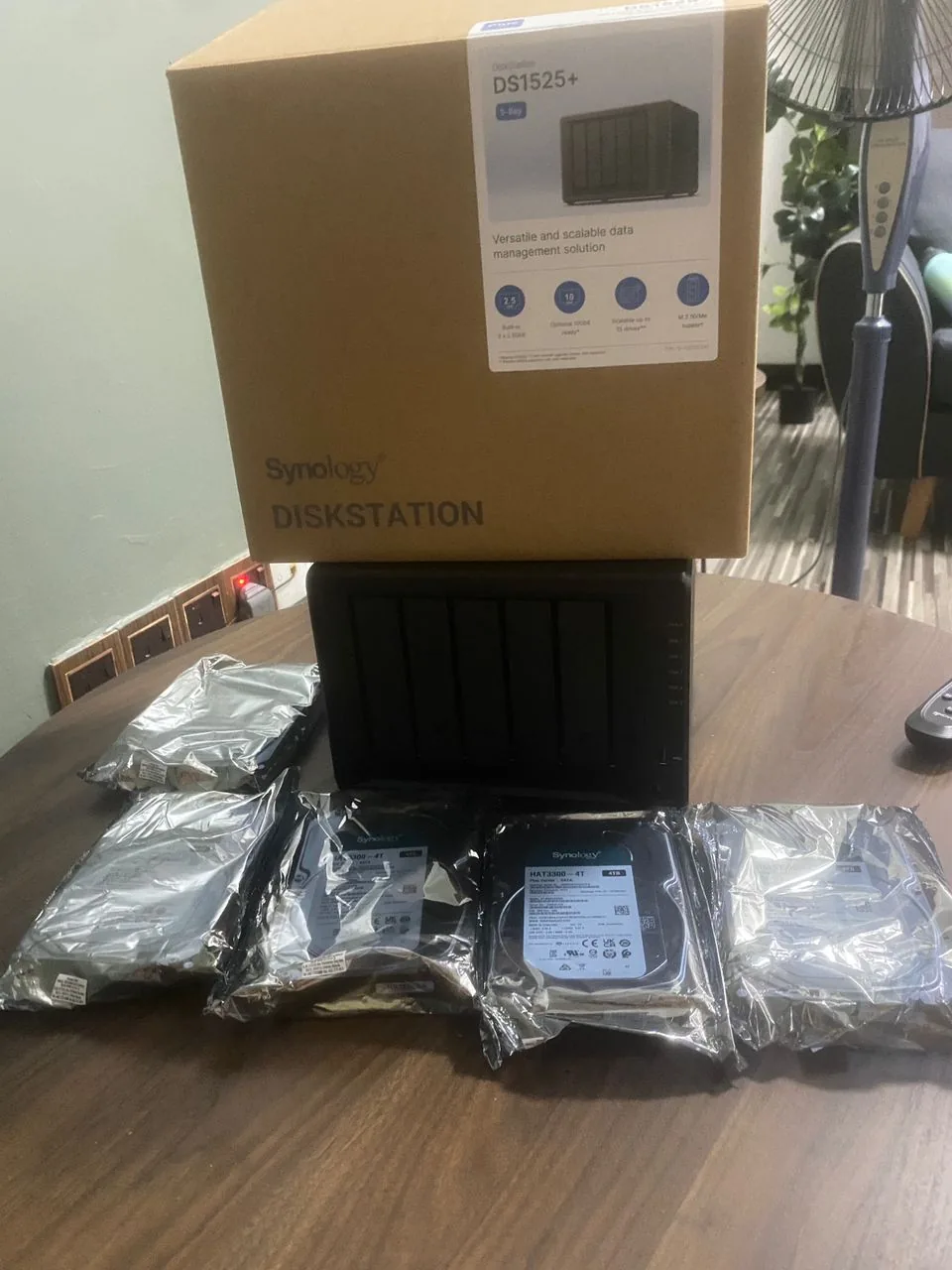
A Synology NAS (Network Attached Storage) is a secure storage device that sits on your office network and gives your whole team fast, shared access to files - with user permissions, automatic snapshots and backup built in. Cybergate sizes, supplies and configures Synology NAS for Malaysian businesses and keeps it backed up and secure.
Files scattered across laptops and random cloud drives are slow, risky and hard to control. A Synology NAS centralises everything with proper permissions and protection, and becomes the backbone of a solid backup strategy.
A Synology NAS gives your whole team fast, shared access to files on your office network, with user permissions, automatic snapshots and built-in backup. Cybergate sizes, supplies and configures Synology NAS for Malaysian businesses, then keeps it secure and backed up.
Files scattered across laptops and random cloud drives are slow, risky and hard to control. A NAS centralises everything with proper access control and becomes the backbone of a solid 3-2-1 backup strategy.
We set up shares, users and permissions, enable snapshot protection so you can roll back from mistakes or ransomware, and configure secure remote access so your team can reach files safely from anywhere.
The right model and drives for your data
Shares, users, permissions and security
Onsite + offsite cloud copies
Monitoring and capacity planning
A simple, accountable process from your first call through to ongoing support.
We review your current setup, goals and pain points at no cost, and map exactly where the gaps are.
You get a proposal with scope, timeline and transparent pricing in plain language, with no jargon and no hidden charges.
Our certified engineers deliver the work with minimal disruption, and keep you updated at every step.
We monitor, maintain and improve so everything keeps working reliably as your business grows.
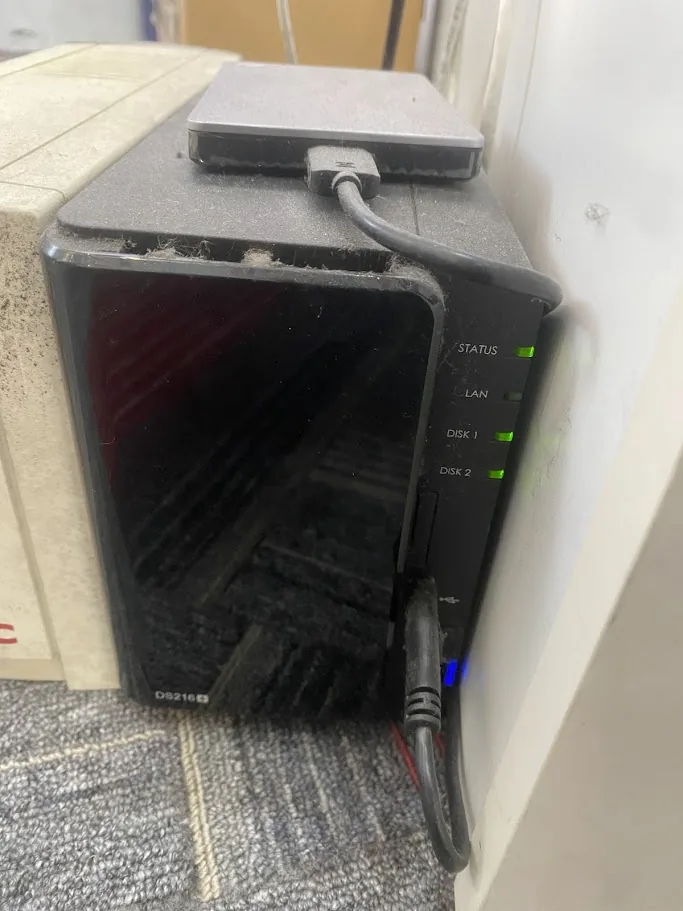
A NAS suits any team that shares files and wants them fast, organised and protected - without relying solely on per-seat cloud storage.
Pricing depends on the Synology model and drive capacity your data needs, plus a one-time setup fee. We supply genuine units with Malaysian warranty, size them correctly for your business, and quote everything clearly before you commit.
Stop paying monthly cloud fees and keep your files in your own office. A Synology NAS gives your team fast shared storage, automatic backup and secure remote access - and we handle everything: delivery, install, data migration and full setup. One price, switched on and working.
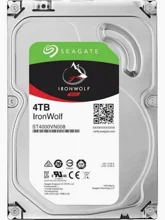
Small office, 5-10 staff
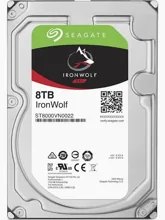
Small office, 5-10 staff
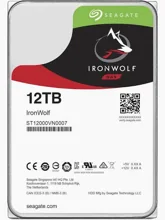
Small office, 5-10 staff
Faster 2-bay for heavier use
Faster 2-bay for heavier use
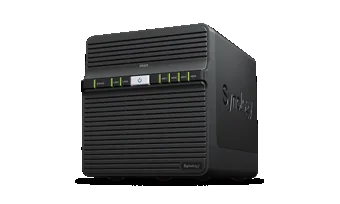
Growing team, 10-25 staff
Growing team, 10-25 staff
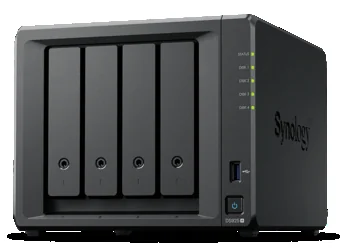
Design / CAD / media teams
Design / CAD / media teams
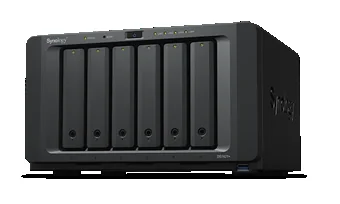
Heavy workloads, many users
Heavy workloads, many users
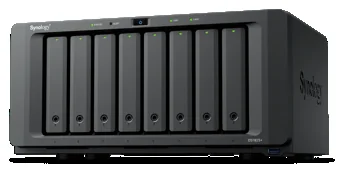
Large data, multi-department
Large data, multi-department
Need a different size or capacity? Build your own below, or talk to us for a tailored bundle.
Build a custom quoteAsk our team →Select a model and drive size, request a quote, and we will price a complete, ready-to-run setup. Supplied, installed and configured by Cybergate across Klang Valley and Melaka.
2-bay desktop NAS
4-bay desktop NAS
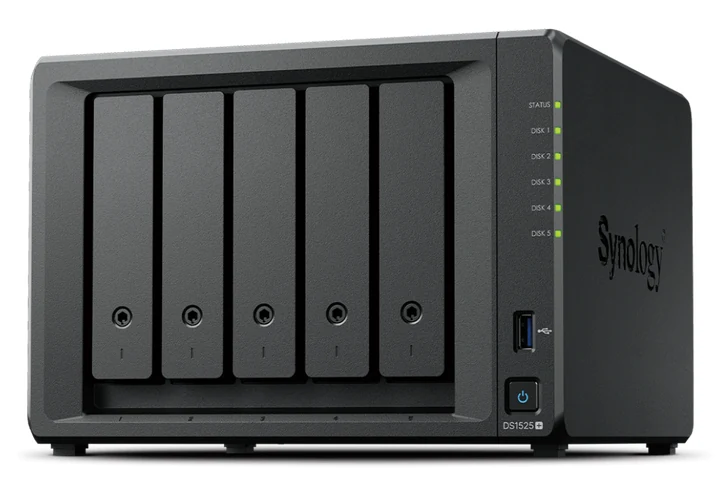
5-bay desktop NAS
8-bay desktop NAS
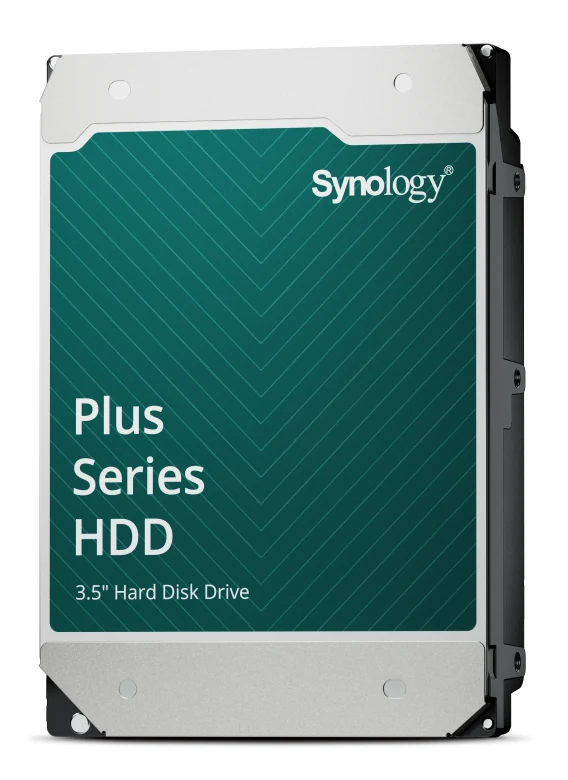
All builds use Synology-compatible 3.5" SATA NAS drives (1TB / 2TB / 4TB / 8TB). Not sure how much storage you need? Choose Advise me and we will size it for you.
Pick a model and drive size below. We will send a tailored quote (NAS unit + drives + professional setup) - no obligation.
Clear packages with no surprise invoices. Your final price is always confirmed in a written quote first.
Sized to your data.
Storage plus protection.
We look after it for you.
Indicative pricing only. Your final price is confirmed in a written quote with no hidden charges.
Central storage and backup, sized and configured for each client.
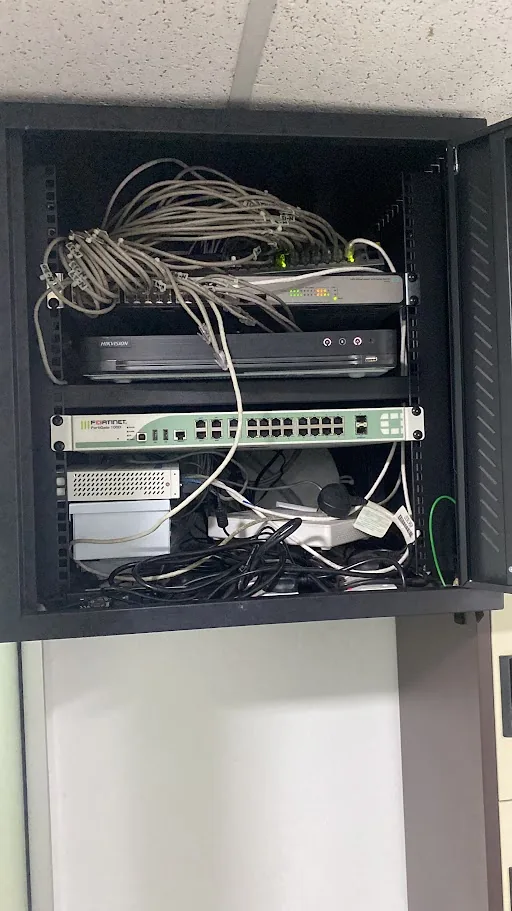
Free consultation, no obligation. Tell us your challenge and we'll respond within 1 business day.
Leave your details and our team will reply within 1 business day. No obligation.
Tell us what you need and we will send a tailored quote within 1 business day. No obligation.
Real, verified reviews from Malaysian businesses we support - straight from our Google Business Profile.